

Table of Contents
- What You’ll Need Before You Start Hunting Promo Codes
- Best Coupon Browser Extensions for Automatic Code Application
- How to Search Coupon Databases and Deal Aggregators
- How to Verify Promo Codes Before You Waste Time at Checkout
- Stacking Promo Codes for Maximum Savings
- Social Media, Newsletter Sign-Ups, and Abandoned Cart Tricks
- Mobile-Specific Checkout Hacks for Finding Working Promo Codes
- Conclusion
Last Updated: August 26, 2026
Knowing how to find working promo codes is one of the fastest ways to cut your monthly spending without changing what you buy. At Checkout Saver, we track how shoppers find, verify, and stack discount codes across hundreds of retailers. The gap between casual coupon hunters and power shoppers comes down to method, not luck. This guide teaches you how to verify codes before checkout, spot fake coupon sites, and layer cashback on top of every discount you find.
What You’ll Need Before You Start Hunting Promo Codes
Working promo codes are discount codes, voucher strings, or promotional offers that retailers accept at checkout to reduce your order total. A code that actually works is rarer than the internet suggests, which is why having a system beats random searching.
Before you start, set yourself up with three things:
- A dedicated email address for retailer newsletters and sign-up offers.
- A browser profile or bookmarks folder for coupon databases and deal aggregators you trust.
- A cashback account so every purchase earns something back, even when no discount code applies.
The most common mistake is hunting for a promo code only after loading your shopping cart. Search for codes before you add items, because some offers are product-specific and may change your purchase decision entirely.
| Step | Action | Time Required |
|---|---|---|
| 1 | Set up a deals-only email address | 5 minutes |
| 2 | Install a trusted browser extension | 3 minutes |
| 3 | Bookmark 2-3 coupon databases | 2 minutes |
| 4 | Create a cashback account | 5 minutes |
| 5 | Search for codes before checkout | 2-5 minutes per order |
That’s a 15-minute setup that pays off on every order you place.
Best Coupon Browser Extensions for Automatic Code Application
The best coupon browser extensions work by detecting when you reach a checkout page and automatically testing every promo code in their database against your cart. The extension cycles through codes, applies the one that saves you the most, and shows you the result.
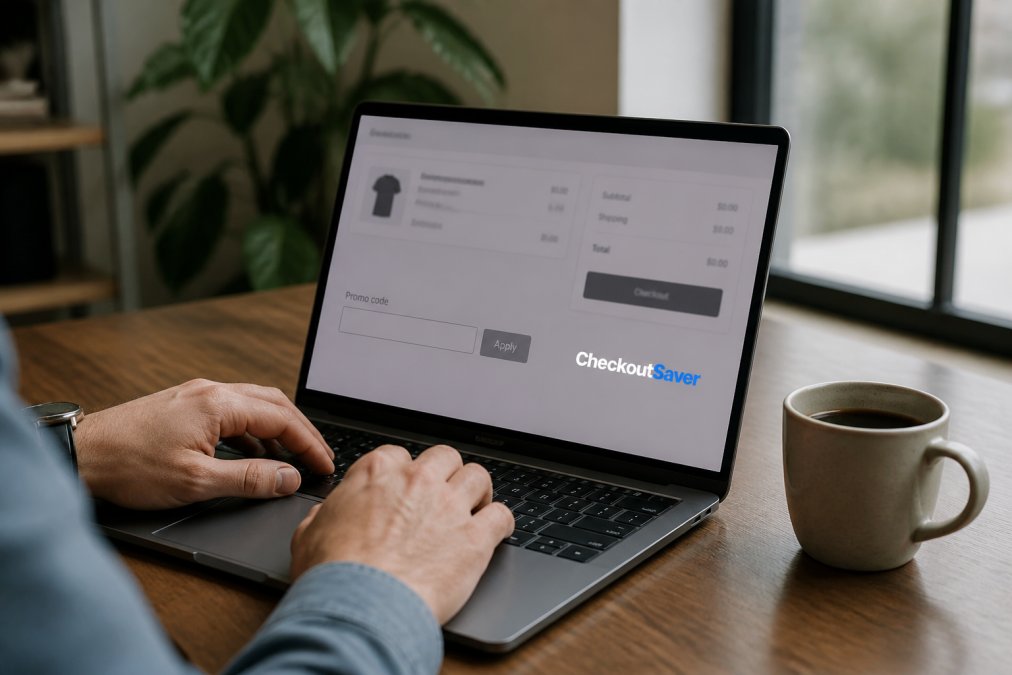
Most major browsers support extensions that handle automatic code application at checkout. The extension monitors your shopping cart, queries a coupon database in real time, and applies working codes without manual input. Some also layer in cashback or rebate offers on top of the discount.
What most reviews miss is that these extensions operate on affiliate link models, meaning the extension provider earns a commission on purchases you make through their system. This shapes which codes get surfaced first.
Privacy and Data Risks Worth Knowing Before You Install
Browser extensions for automatic code application request access to your browsing data. Before you install any extension, check what permissions it requests. An extension that asks to "read and change all your data on websites you visit" has access to every page you open, including banking and email.
The Electronic Frontier Foundation’s guide to browser extension privacy explains how to evaluate extension permissions. Key questions to ask:
- Does the extension need access to all sites, or only retailer websites?
- Does the privacy policy specify whether browsing data is sold to third parties?
- Is the extension published by a company with a verifiable track record?
Install extensions only from publishers with clearly documented privacy policies and review permissions annually.
How to Search Coupon Databases and Deal Aggregators
Coupon databases aggregate discount codes submitted by users or sourced directly from retailer affiliate programs. A reliable coupon database shows when a code was last verified, how many users reported it working, and its expiration date. Sites that show no verification data are essentially guessing.
When searching a deal aggregator, filter by:
- Most recent submissions, not most popular (popular codes are often expired)
- Verified or tested status where available
- Specific retailer rather than browsing general categories
Advanced Google Search Operators That Surface Hidden Codes
Most people type "retailer name promo code" into Google and get affiliate sites recycling dead codes. Advanced search operators cut through the noise.
Try these search strings:
"retailer name" "promo code" site:reddit.com, Reddit threads where real users share and verify codes in real time"retailer name" coupon 2026 -"expired", filters out pages mentioning expiration"retailer name" "checkout" "code" filetype:pdf, surfaces internal promotional PDFs occasionally indexed by Googleinurl:coupon "retailer name" 2026, finds pages with "coupon" in the URL published this year
The Reddit operator is most underused. Subreddits like r/frugal and r/deals have active communities where members post and confirm working promo codes daily. Unlike affiliate sites, users have no financial incentive to post expired codes.
The Psychology Behind Fake Coupon Sites (and How to Spot Them)
Fake coupon sites are built to generate affiliate commissions, not to help you save money. A site publishes a "promo code" that is actually just the retailer’s standard checkout flow wrapped in an affiliate tracking link. You click through, buy at full price, and the site earns a commission.
The tells are consistent:
- No verification dates on any listed code
- Generic codes like "SAVE10" or "DISCOUNT" that apply to every retailer
- Aggressive SEO headlines promising "100% working codes" with no supporting evidence
- Redirect behavior that sends you to the retailer through a tracking link before you’ve tried a code
According to the FTC’s guidance on affiliate marketing disclosures, affiliate relationships must be disclosed. Sites that bury or omit this disclosure are a reliable indicator of low-quality content.
Never enter payment information on a site that redirected you from a coupon database without first confirming you’re on the legitimate retailer’s domain. URL spoofing is rare but real, and fake checkout pages are designed to look identical to the originals.
How to Verify Promo Codes Before You Waste Time at Checkout
Verifying promo codes before you commit to a purchase saves frustration and protects you from wasting time on dead codes. The verification process takes about 60 seconds and eliminates most bad codes before they reach your checkout page.
A promo code is valid if it hasn’t expired, applies to the items in your cart, and hasn’t hit its redemption limit.
Quick verification checklist:
- Check the code’s listed expiration date against today’s date
- Confirm the code applies to your specific product category
- Search Reddit or a deal forum for recent user reports on the code
- Apply the code before entering payment information
- Screenshot the discount confirmation before completing checkout
If a discount disappears at final checkout, a screenshot showing the applied code gives you documentation to contact customer support.
Some retailers offer a “promo code” field that accepts codes but silently rejects them without displaying an error. Add a test item to your cart, apply the code, and verify the total changes before proceeding with your full order.
Stacking Promo Codes for Maximum Savings
Stacking promo codes means combining multiple discount mechanisms on a single purchase. Most shoppers stop at one discount code. Power shoppers layer three or four savings tools on the same transaction.
A standard stacking sequence looks like this:
- Discounted gift card, buy a retailer’s gift card at a discount before shopping
- Promo code, apply a discount code at checkout
- Cashback portal, route your purchase through a cashback site to earn a percentage back
- Credit card rewards, pay with a card that earns points or cashback on retail purchases
Each layer compounds. A 10% discount gift card, a 15% promo code, 5% cashback, and 2% credit card rewards apply sequentially to a shrinking base, but the combined effect is significantly better than any single discount alone.
Combining Cashback, Rebate Apps, and Discount Codes
Cashback and rebate apps operate differently from promo codes. A promo code reduces your price at checkout. A cashback app pays you back a percentage after your purchase is confirmed, usually within a few days to a few weeks. Both can apply to the same transaction on most retailer websites.
The key compatibility rule: cashback portals and rebate apps generally work alongside promo codes as long as you activate the cashback before adding items to your cart. Activating cashback after you’ve started shopping sometimes voids the tracking.
Checkout Saver offers cashback opportunities alongside one-time use coupon trading and discounted gift cards, so you can stack multiple savings methods without juggling separate accounts.
The most effective savings stack combines a discounted gift card, a verified promo code, and an active cashback portal. Set up all three before you start shopping.
Social Media, Newsletter Sign-Ups, and Abandoned Cart Tricks
Retailers distribute some of their best working promo codes through channels most shoppers ignore. Social media accounts for major retailers frequently post flash discount codes that expire within 24 to 48 hours. Following a retailer’s account surfaces codes that never appear on coupon databases.
Newsletter sign-up offers are among the most reliable sources of valid promo codes. Most e-commerce retailers offer a 10-20% discount code as an incentive to join their email list. Sign up with your deals-only email address, use the welcome code, then decide whether to stay subscribed.
The abandoned cart trick is the most underused strategy. Load a shopping cart on any major retailer website, add your items, and close the tab without checking out. Many retailers trigger an automated abandoned cart email within one to four hours containing a discount code. This is a legitimate promotional offer built into most e-commerce platforms.
A few variations worth trying:
- Wishlist addition, adding items to a wishlist sometimes triggers a separate promotional email sequence
- Price drop alerts, setting alerts for specific items often arrives with a promo code attached
- Live chat inquiry, asking a customer service agent whether any current promotions apply to your cart occasionally surfaces codes not listed publicly
According to Baymard Institute’s research on checkout abandonment, cart abandonment rates across e-commerce are consistently high, which is precisely why retailers invest in recovery sequences. That recovery infrastructure is a savings tool you can use deliberately.
Mobile-Specific Checkout Hacks for Finding Working Promo Codes
Mobile shopping creates savings opportunities that don’t exist on desktop. The checkout experience on a smartphone is different enough from a browser that some retailers offer mobile-exclusive promotional offers.
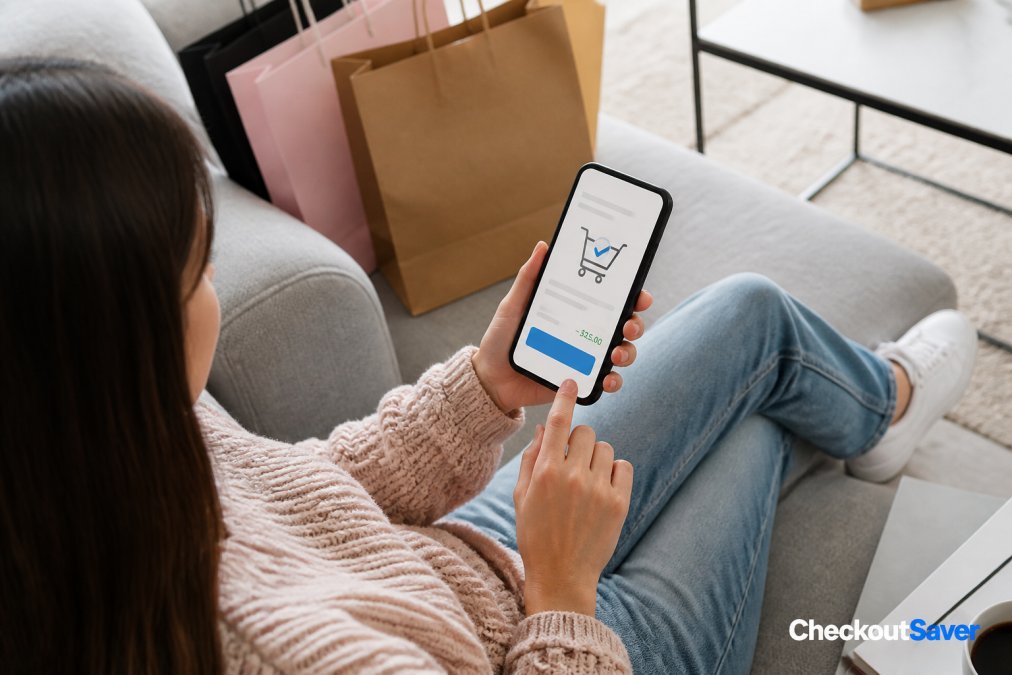
Store-specific apps frequently carry exclusive discount codes that never appear on coupon databases. Retailers use app-exclusive offers to drive app downloads and increase purchase frequency. Checking the "Offers" or "Promotions" tab inside a retailer’s app before checkout often surfaces a valid promo code.
Mobile-specific tactics that work:
- Enable push notifications for retailer apps. Flash sales and app-exclusive codes are often distributed via push notification and expire within hours.
- Use the app’s built-in browser when a retailer’s mobile site redirects you. Some discount codes are session-specific and only apply within the app environment.
- Check your digital wallet before checkout. Apple Pay and Google Pay occasionally carry retailer-specific promotional offers in their rewards sections.
- Screenshot codes from social media before they expire. Mobile screenshots are faster than typing codes manually, and some social-media-distributed codes are case-sensitive.
- Compare app price vs. mobile web price before completing your order. The same item occasionally carries different pricing across channels.
Mobile codes tend to have shorter validity windows. If you find a working promo code while on your phone, apply it immediately rather than saving it for later.
For shoppers who want a single platform that handles coupon trading, discounted gift cards, and cashback without managing multiple apps, Checkout Saver is designed to work across devices without requiring you to link accounts or commit to a loyalty program. You can start saving in under 10 minutes.
As covered by Consumer Reports’ guide to saving money while shopping online, combining multiple savings strategies on mobile purchases is one of the most effective ways to reduce regular household spending without changing buying habits.
Frequently Asked Questions
Are there tools that automatically find working promo codes?
Yes. Browser extensions can test multiple discount codes at checkout automatically, applying the one that saves you the most. Coupon trading platforms like Checkout Saver go a step further by offering verified, one-time-use codes that haven't been burned by thousands of other shoppers. The difference matters: auto-testers pull from public databases that are often outdated, while traded codes tend to be fresher and retailer-specific.
How can I verify if a promo code is still active?
The fastest method is to paste the code into the promo code box at checkout before completing your order, most e-commerce sites show an instant error if the code is expired or invalid. You can also check the retailer's own promotions page or use real-time verification tools built into some coupon databases. On Checkout Saver, every traded coupon is one-time use, so you're not competing with thousands of other shoppers who may have already redeemed it.
Can AI tools like ChatGPT help find valid promo codes?
ChatGPT and similar AI tools don't have real-time access to live retailer databases, so any code they suggest is likely outdated. They can help you craft better Google search queries to surface current deals, but they can't verify whether a specific discount code still works at checkout. For actual validity, you need a live coupon database, a browser extension with real-time testing, or a platform where codes are traded and confirmed recently.
What is stacking promo codes, and does every retailer allow it?
Stacking means applying more than one discount to a single order, for example, using a promo code on top of a sale price, then adding cashback through a rebate app. Not every retailer allows multiple codes at checkout; many limit orders to one active coupon at a time. The workaround is to layer different discount types: a store coupon code plus a cashback portal plus a discounted gift card. Each operates at a different level, so they often work together even when two promo codes wouldn't.
Finding working promo codes consistently requires a system, not luck. The challenge most shoppers face is spending more time hunting than saving, which is exactly the problem Checkout Saver solves. The platform’s one-time use coupon trading, discounted gift cards, and cashback opportunities work together so you’re not piecing together savings from five different sources. Sign up free with Checkout Saver and start stacking real savings on your next purchase.
This article was written using GrandRanker

