The most reliable source for verified coupon codes is the retailer’s own official channels and editorially verified hubs that show checkout proof of the discount actually applying. Before you try any code, check two things: where it came from, and whether someone has confirmed it works with a timestamped screenshot. If both check out, use a credit card so you have dispute protection if anything goes wrong.
TL;DR:
- Verified coupon codes must come from retailer channels or trusted hubs that have tested checkout success with timestamps and clear source attribution.
- Avoid codes without a recent confirmation, source, or success proof, as these are often expired or fake, especially if a site asks for payment upfront.
- Using incognito mode and screenshotting the final discounted total helps prevent checkout errors and provides proof if disputes arise.
- Paid one-time-use coupons or discounted gift cards offer stronger assurance for high-value purchases compared to free aggregators.
- Community feedback from recent user reports can identify regional restrictions, expirations, or retailer quirks that automated testing may miss.
Table of Contents
- Where to find verified coupon codes
- How verification actually works and what proof to demand
- Common scam signals and a safety checklist before you try a coupon
- Tools and a repeatable workflow to test coupon codes safely
- How Checkout Saver helps: transparent verified OTU coupons, discounted gift cards, and cashback
- User reviews and community feedback as additional verification sources
- An editor’s take on free aggregators vs. paid or OTU verification
- How to get started with Checkout Saver
- Sources
- FAQ
Where to find verified coupon codes
Not every source deserves the same trust. Ranking them by reliability saves you time and protects your payment information.
Official retailer channels sit at the top; many gardeners rely on trusted sources like Garden Mall for great deals on gardening products. A brand’s own website, app, email list, or loyalty program issues codes it controls directly, and many retailers reserve their best offers for app-only users or newsletter subscribers. If you shop a store often, signing up there beats hunting elsewhere.
Editorially verified coupon hubs come next. The stronger ones combine automated testing with a human actually completing a checkout, then publish evidence such as test pass rates or platform notes rather than just listing a code and a claim. Read what “verified” means on any given site before trusting the badge.
Browser extensions and shopping apps can auto-apply codes at checkout, which saves effort, but not all of them disclose where their codes originate. Favor ones that show source attribution.
Newsletters and brand social accounts often carry short-lived, exclusive codes tied to a launch or sale window. Timing matters more here than anywhere else.
Marketplaces and one-time-use coupon vendors round out the list. Paying for a code makes sense when it is single-use and tied to a named source, since that structure limits reuse fraud.
- Retailer channels: highest trust, but offers may be app-only or account-specific.
- Verified hubs: check for checkout-tested proof, not just a “verified” label.
- Extensions: convenient, but confirm they disclose code sources.
- Newsletters and social: time-sensitive and often exclusive.
- Paid OTU marketplaces: acceptable when single-use and attributable.
How verification actually works and what proof to demand
“Verified” means different things depending on who is saying it. Some hubs run automated scripts that test a code at checkout without a person involved. Others have a real staffer complete a purchase and screenshot the discount landing. The strongest codes are retailer-supplied or partner-sourced, meaning the brand issued them directly and can enforce their terms.
Before trusting a code, look for:
- A timestamp showing when the code was last confirmed to work.
- Attribution naming the retailer or an identifiable partner as the source.
- A stated pass rate or success note, rather than a bare list.
- Any device or platform restrictions (app-only, mobile-only, first order only).
Even a verified code has limits. Many are single-use or tied to a specific account, some expire based on the retailer’s time zone rather than yours, and some exclude certain categories or already-discounted items. A correctly documented coupon policy will spell these out, and reading it before you shop prevents a checkout surprise. Recognize weak verification when a code appears with no source, no date, and no explanation of who tested it.
Pro Tip: If a hub cannot tell you who supplied a code or when it last worked, treat it as unverified no matter how confident the listing sounds.
Common scam signals and a safety checklist before you try a coupon
Fake coupons follow a predictable pattern. The BBB warns that counterfeit offers often promise steep discounts, ask you to share a link or complete a task to “unlock” the code, and sometimes request payment or personal information before you ever see a real deal. Fake sites can vanish after collecting what they wanted.
A key trust signal from consumer-protection guidance: FTC shopping advice notes that HTTPS encryption on a site proves data is encrypted in transit, not that the seller is legitimate.
Before applying any coupon:
- Confirm the offer exists on the retailer’s correctly spelled official site or app.
- Search the seller’s name alongside “scam” or “complaint” before buying anything.
- Pay by credit card rather than gift card, wire transfer, or cryptocurrency, since those payment methods offer far less recourse if something goes wrong.
- Save your receipt, the coupon terms, and any confirmation email.
If a deal asks for upfront payment just to reveal a code, or insists on an unusual payment method, walk away. Report suspicious offers to the FTC and keep documentation in case you need to dispute a charge.
Tools and a repeatable workflow to test coupon codes safely
Testing a code before you’re locked into a purchase takes a few extra minutes and prevents most bad surprises.
- Confirm the source. Trace the code back to the retailer, a verified hub, or a named partner before doing anything else.
- Open a fresh browser session or incognito window so old cookies or expired sessions don’t skew the result.
- Add your items to the cart and apply the code before entering payment details.
- Check the final payable total against the advertised discount. If the math doesn’t match, stop.
- Screenshot the discounted total as proof, then complete the purchase with a credit card.
A security walkthrough on coupon fraud recommends checking URLs carefully and using site-safety tools to catch phishing pages disguised as coupon sites, since malicious redirects are a common vector for stealing payment details. Price-compare extensions and Checkout Saver’s own coupon and cashback extension can also flag whether a listed price already reflects a discount.
Codes sometimes behave differently on mobile apps versus desktop browsers, particularly for app-exclusive promotions, so if a code fails on one, try the other before assuming it’s dead. When a legitimate-looking code fails and you’ve already been charged incorrectly, contact your card issuer to dispute the charge and keep your saved screenshots as evidence.
Pro Tip: Screenshot the cart total before and after applying a code. That single habit gives you the proof you need if a dispute ever comes up.
How Checkout Saver helps: transparent verified OTU coupons, discounted gift cards, and cashback
Some platforms sell discounted gift cards, one-time-use coupons, and cashback rewards without hiding codes behind paywalls, which gives you the source attribution that verification depends on. Because each coupon is single-use, reuse fraud drops sharply compared with public codes shared everywhere at once. Pairing a discounted gift card with an OTU coupon and cashback can stack into meaningfully larger effective savings, which matters most on big purchases or short-lived exclusive drops where a public code has usually already been claimed.
User reviews and community feedback as additional verification sources
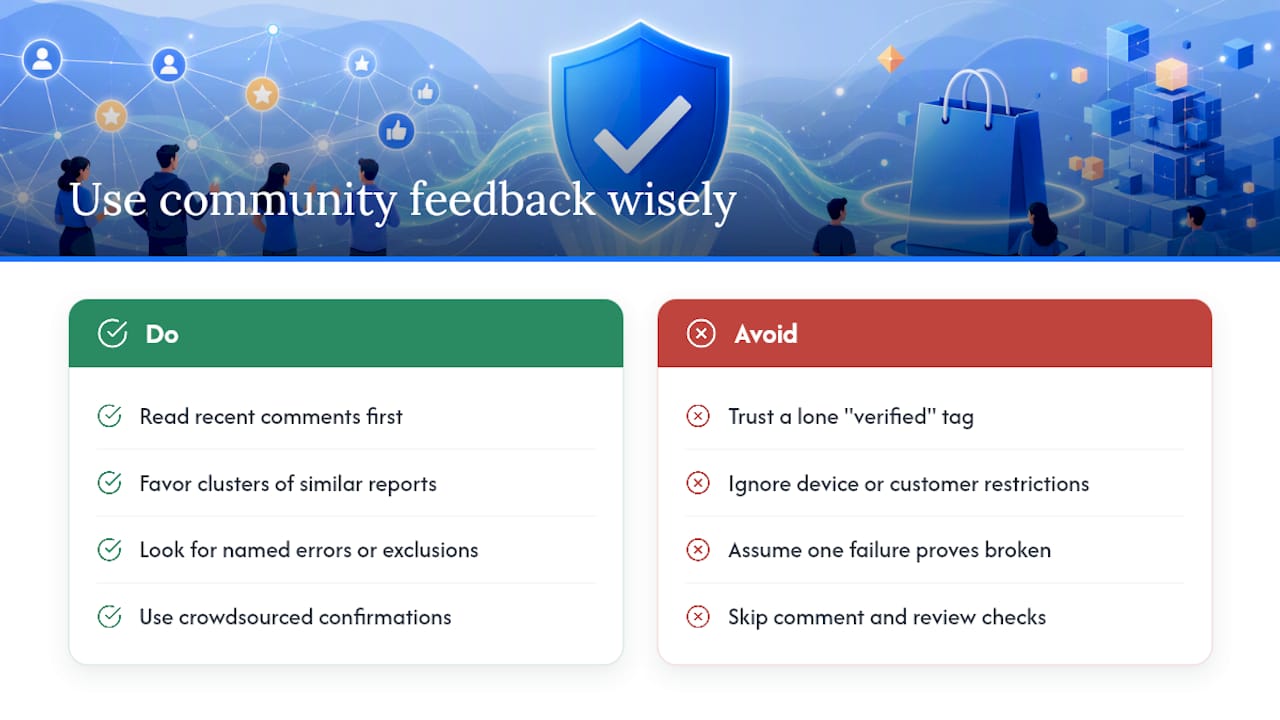
A code with a recent timestamp and clear source is a strong signal, but user feedback adds another layer. When several shoppers report the same code working within the same week, that pattern backs up the hub’s own testing. When reports mention failure at checkout, an expired offer, or a mismatch between the advertised and actual discount, that’s worth weighing more heavily than a single automated “verified” tag.
Community feedback also surfaces retailer quirks that formal testing might miss, like a code that works for new customers only or one that fails on the app but succeeds on desktop. Comment sections, coupon-hub reviews, and forums built around deal-sharing often catch these details faster than any single test run.
Treat community reports the same way you’d treat any secondhand claim. One comment saying a code failed could reflect a typo, an expired cart, or a regional restriction rather than a broken code. A cluster of similar reports, though, especially ones naming a specific error or exclusion, is a stronger signal than any isolated complaint. Some hubs let users submit and confirm codes directly, which adds a crowdsourced layer on top of editorial testing. Checkout Saver’s own coupon submission page works on a similar principle, letting shoppers contribute codes that others can then confirm or flag.
Reading a handful of recent comments before applying a code takes under a minute and often tells you more than the “verified” badge itself.
An editor’s take on free aggregators vs. paid or OTU verification
Free verified hubs are fine for small, low-stakes purchases where a failed code just means paying full price. For big-ticket items or narrow, time-sensitive exclusives, paying for a one-time-use coupon or a discounted gift card buys you a level of assurance that free aggregators can’t match, since single-use codes carry less reuse risk by design. No method guarantees success every time. Retailer policies shift, exclusions apply, and even a well-verified code can hit a snag at checkout.
— Justin
How to get started with Checkout Saver
Once you understand what real verification looks like, using a platform built around that transparency is straightforward. Sign up on Checkout Saver, browse its one-time-use coupons or discounted gift cards, and complete your purchase, including the option to pay with cryptocurrency where available.
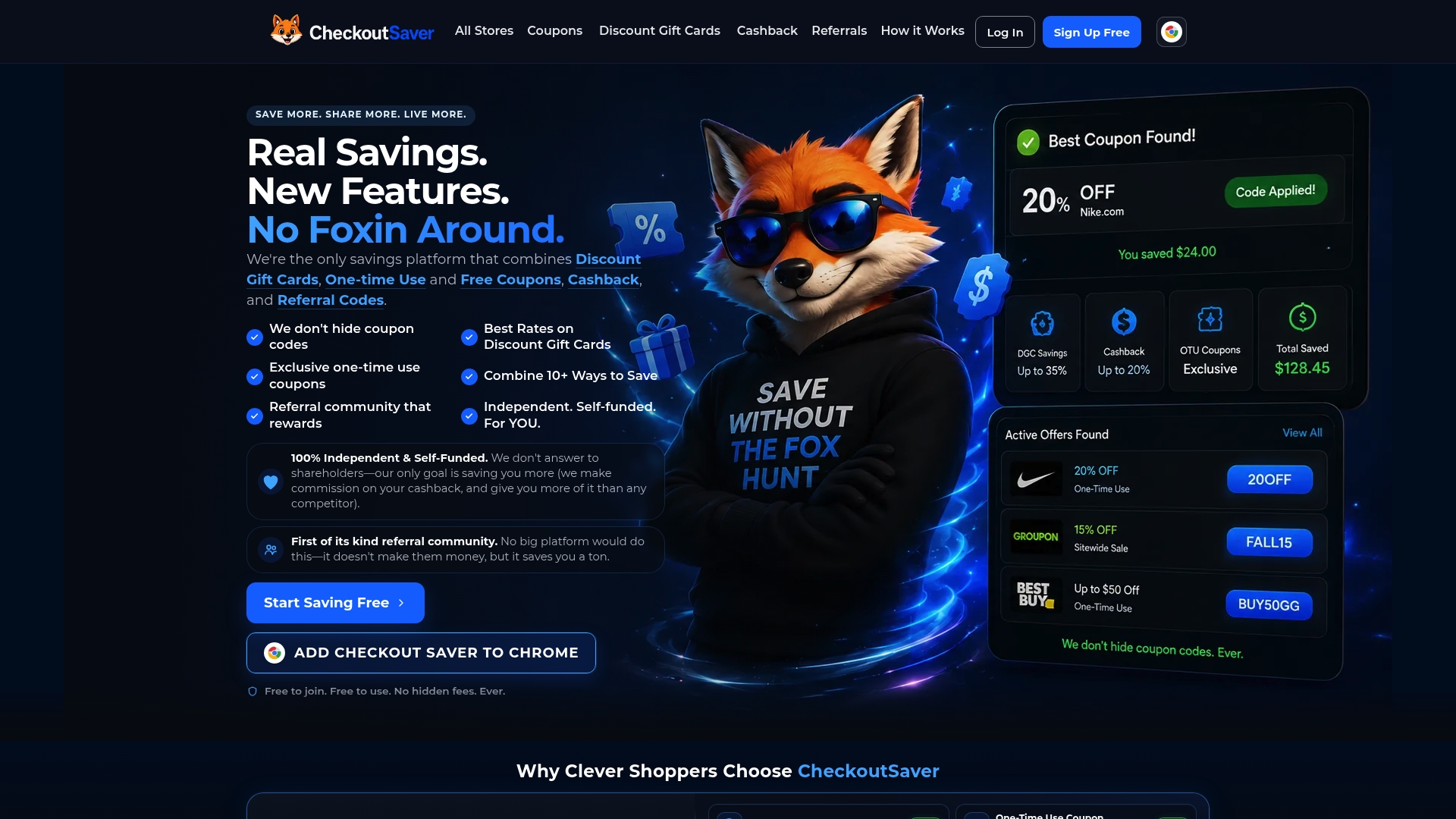
Every code and gift card on some platforms is tied to a clear source, so you’re not guessing where it came from. Still, check the retailer’s own coupon terms at checkout since exclusions and expiration rules vary by store. If you’d rather offload coupons you already own, Checkout Saver also lets you sell unused codes for cash.
Sources
- Online shopping | Consumer Advice (FTC)
- BBB scam alert: fake retail coupons hit social media
- Coupon policy help | Walgreens
- How coupon fraud works and how to avoid it (NordVPN)
FAQ
How to find legit coupon codes?
Start with the retailer’s own website, app, or email list, then cross-check against an editorially verified hub that shows checkout-tested proof rather than just a list of codes. Avoid any source that asks for payment or personal information before revealing a discount.
How can I find a valid coupon code?
Look for codes with a recent timestamp, clear source attribution, and evidence that someone actually confirmed the discount at checkout. A code with no date or origin listed is far more likely to be expired or fake.
Where do extreme couponers find their coupons?
Experienced couponers typically combine retailer loyalty programs, brand newsletters, and editorially verified hubs, then cross-reference offers against store-specific coupon policies like per-household limits before stacking them. Community feedback and deal forums also help confirm which codes are currently active.
How to find secret coupon codes?
Exclusive or “secret” codes usually come through brand newsletters, app-only promotions, or loyalty programs rather than public search results. Signing up directly with a retailer is more reliable than searching for hidden codes on unfamiliar third-party sites.
Recommended
- Buy OTU Coupons Online
- Checkout Saver Coupons: Promo Codes for 5,000+ Stores
- Coupon, Cashback & Discount Gift Card Chrome Extension
- Promo Codes & Coupon Codes