Once your Checkout Saver balance reaches $10, you can cash out or put that balance to work. This page explains how payments and withdrawals work.
How withdrawals work
- Earn a balance — Shop through Checkout Saver cashback links, sell gift cards, or sell approved one-time-use (OTU) coupons. Earnings credit to your account balance.
- Reach the $10 minimum — Withdrawals become available when your available balance is at least $10.
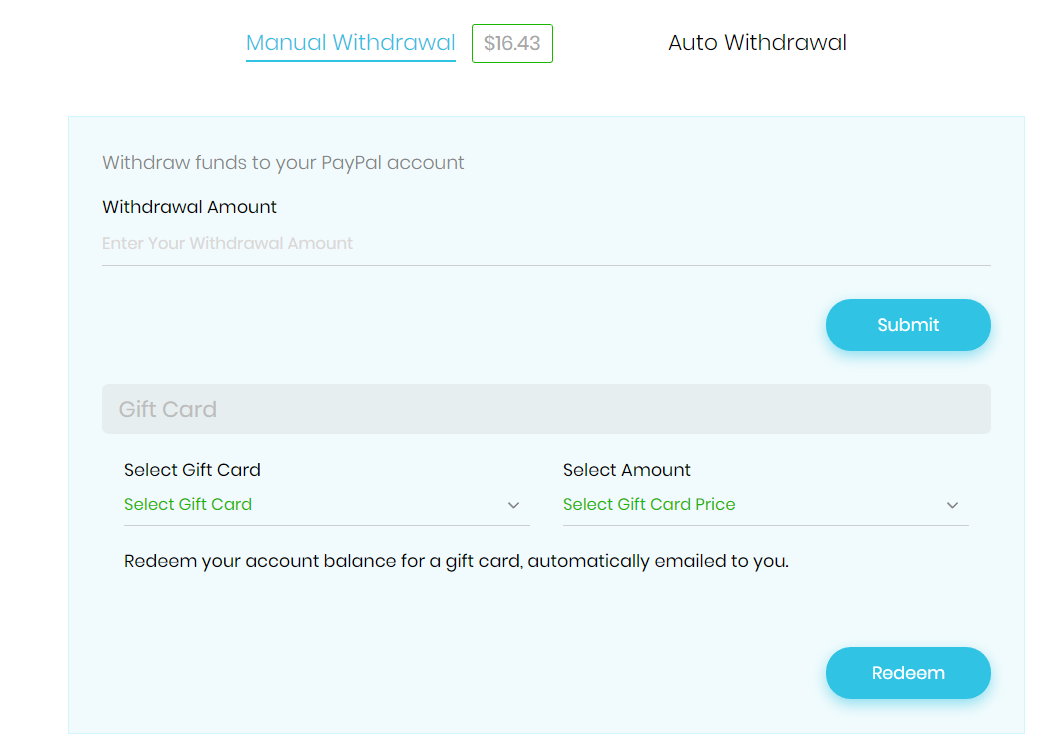
- Choose how to get paid — From your account, open Withdrawals / Payments and pick PayPal, a gift card redeem, or crypto.
- Confirm and receive — Submit the request. PayPal and gift card redemptions are processed securely; crypto withdrawals go to the wallet address you provide in Settings.
Withdrawal options
- PayPal — Send your available balance to the PayPal email saved in your Settings.
- Gift card redeem — Redeem your balance for an e-gift card. Choose the brand and denomination; we purchase and email the card to you.
- Crypto — Withdraw to a cryptocurrency wallet you configure in Settings (processed via our crypto payout partner).
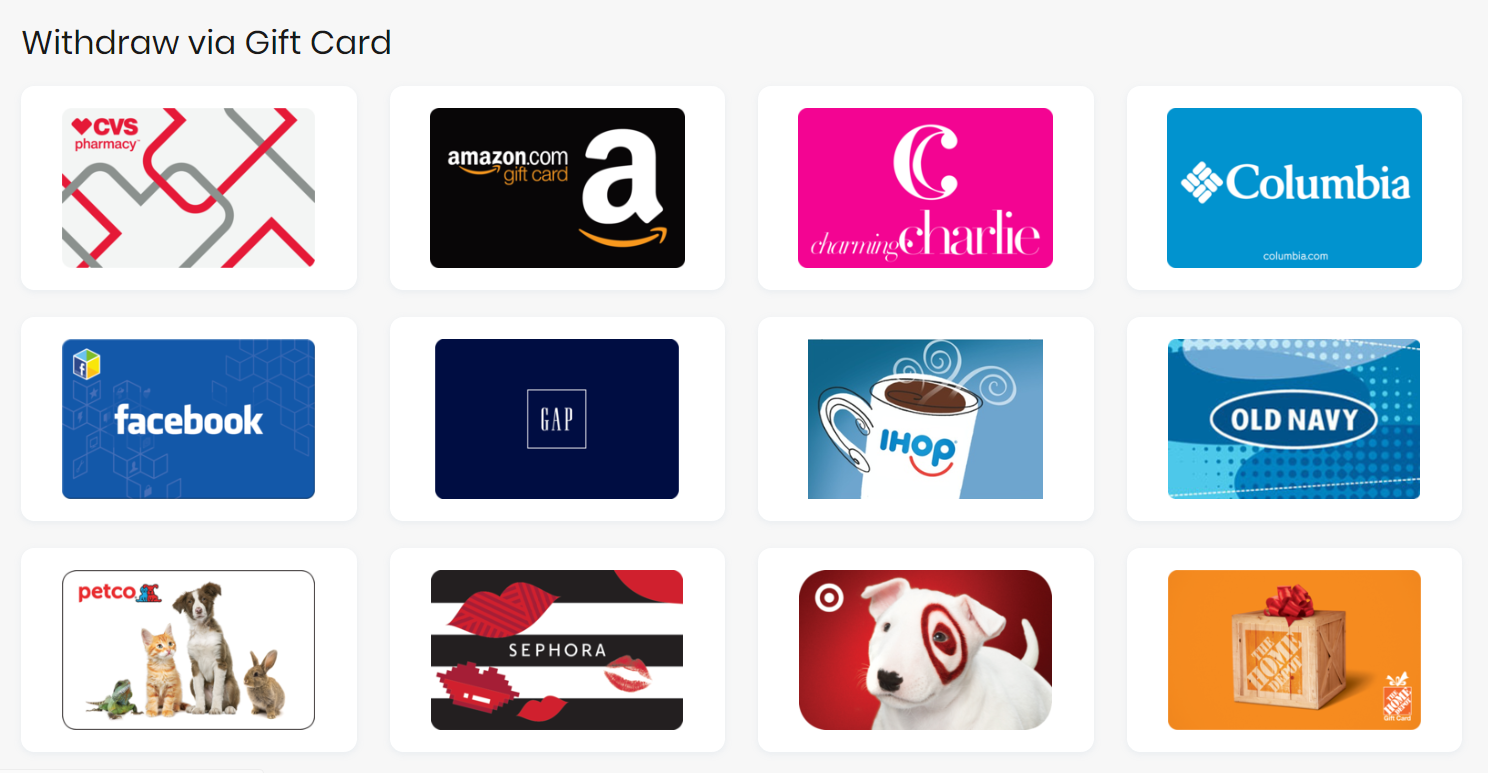
Use your balance on discount gift cards
You can also apply your Checkout Saver balance when buying discount gift cards (where available), so you save at checkout and cash out part of your balance at the same time.
Example: You have $10 available and are shopping a partner store. We may offer a $10 store gift card for $8. You pay $8 from your balance, receive a $10 card to use at checkout, and keep the $2 difference as extra savings.
Buying discount gift cards with crypto
Discount gift cards can also be purchased with cryptocurrency. After payment confirms, cards are released once our team verifies the card balance. You’ll find purchased cards in your account and by email when they’re ready to use.
Questions? See our FAQ or contact us.

 Browser Extension
